How to Create a Temporary Email Address: Complete Step-by-Step Guide
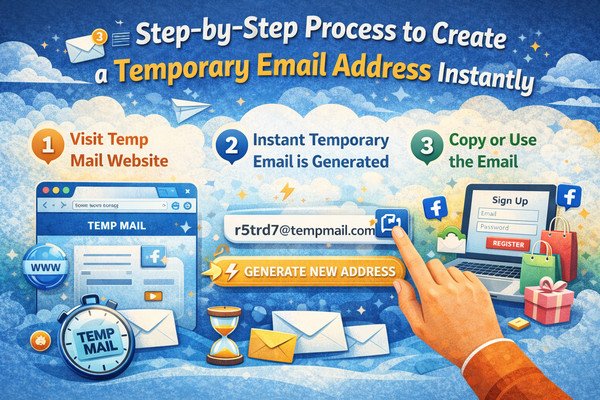
Creating a temporary email address takes less than 30 seconds with modern disposable email services.
⏱️ Quick Start: Create Temp Mail in 30 Seconds
If you're in a hurry, here's the fastest way to create a temporary email address:
- Visit TempToMail.com
- Click the "Generate Email" button
- Copy your new temporary email address
- Use it immediately for any registration or verification
That's it! No registration, no personal information required.
Creating a temporary email address is one of the simplest yet most effective ways to protect your privacy online. Whether you need to sign up for a website, download content, or test a service without exposing your personal email, temporary addresses provide the perfect solution. This comprehensive guide walks you through multiple methods to create temporary email addresses, with detailed instructions, screenshots, and expert tips.
Average time to create a temporary email address with TempToMail
Method 1: Web-Based Temp Mail Services (Fastest & Easiest)
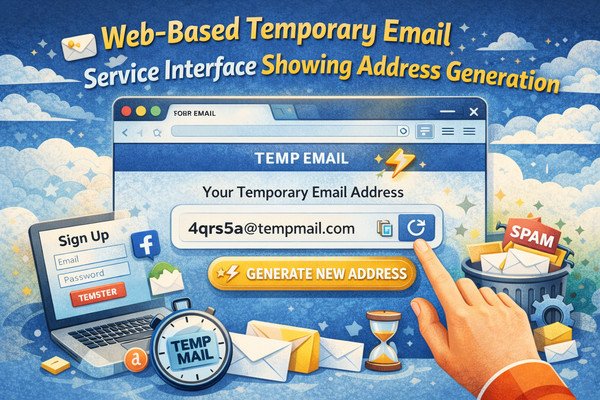
Web-based temporary email services are the most popular method because they require no downloads, no registration, and work on any device with a browser.
Step-by-Step Instructions:
✅ Pros
- No registration required
- Works on any device
- Completely free
- Instant generation (3-5 seconds)
- No personal information needed
❌ Cons
- Addresses expire (usually 24 hours)
- Limited attachment size
- Some websites block known temp mail domains
- No sending capability
Method 2: Browser Extensions for Temp Mail
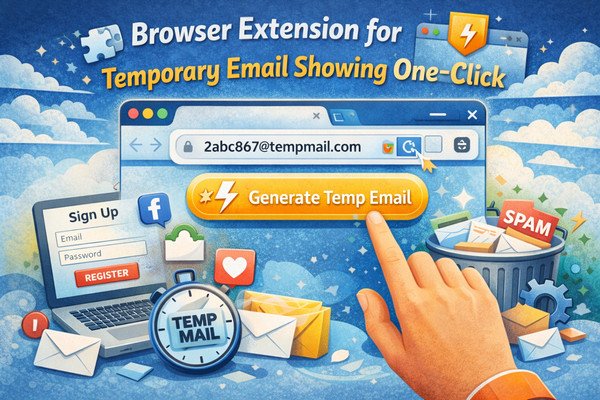
Browser extensions provide even faster access to temporary email addresses by integrating directly with your web browser.
Step-by-Step Instructions:
✅ Pros
- One-click address generation
- No need to visit a website
- Faster access to inbox
- Works seamlessly while browsing
❌ Cons
- Requires browser installation
- Browser-specific (different extensions for different browsers)
- May need permissions
Method 3: Mobile Apps for Temp Mail
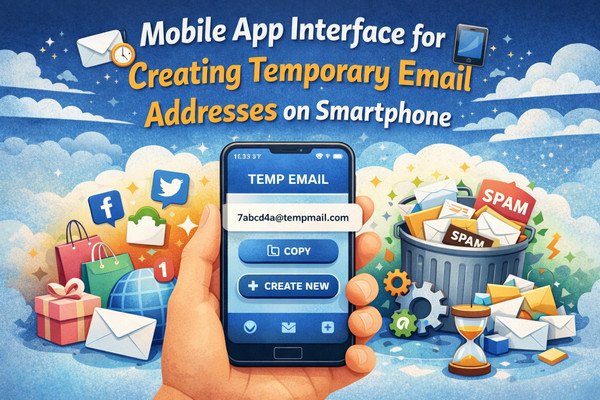
For users who frequently need temporary email on the go, mobile apps provide the most convenient solution.
Step-by-Step Instructions (iOS):
Step-by-Step Instructions (Android):
✅ Pros
- Available anywhere on your phone
- Push notifications for new emails (some apps)
- Optimized for mobile use
- Works offline for address generation
❌ Cons
- Requires app download
- Takes up device storage
- May show ads in free versions
Method 4: Custom Domain Temp Mail (Advanced)
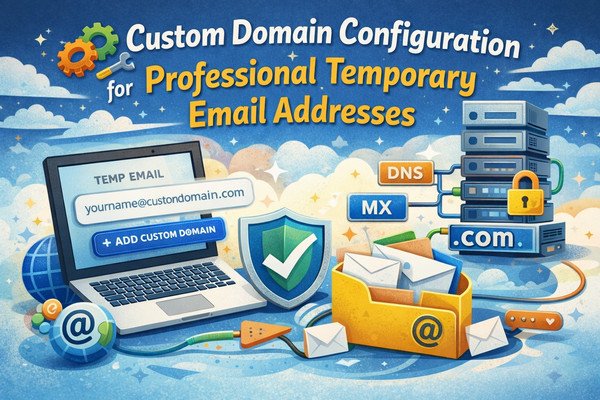
For businesses or advanced users, creating temp mail with your own domain provides professional-looking disposable addresses.
Step-by-Step Instructions:
✅ Pros
- Professional appearance
- Unlimited addresses
- Complete control
- Never blocked (unique domain)
❌ Cons
- Requires technical knowledge
- Costs money (domain + hosting)
- More setup time required
- Still need to manage spam
Comparison of Temp Mail Creation Methods
| Method | Time to Create | Difficulty | Cost | Best For |
|---|---|---|---|---|
| Web-Based | 10-30 seconds | Very Easy | Free | Quick, one-time needs |
| Browser Extension | 5-10 seconds | Easy | Free | Frequent users, browsing |
| Mobile App | 10-20 seconds | Easy | Free / Paid | On-the-go usage |
| Custom Domain | Hours (setup) | Advanced | $10-20/year | Business, professional use |
Pro Tip: Create Memorable Temp Mail Addresses
Many temp mail services allow you to customize part of your address. For example, instead of random characters, you can create addresses like "amazon-shopping@temptomail.com" or "newsletter-test@temptomail.com". This makes it easier to remember which address you used for which service.
Common Use Cases for Temporary Email
- Website Registrations: Forums, download sites, and services you're testing
- Newsletter Subscriptions: Access content without long-term commitment
- Software Trials: Test software without using your primary email
- One-Time Downloads: Ebooks, whitepapers, and resources requiring email
- Contest Entries: Sweepstakes and giveaways
- Online Shopping: Prevent promotional emails from retailers
- Development Testing: Test email functionality during development
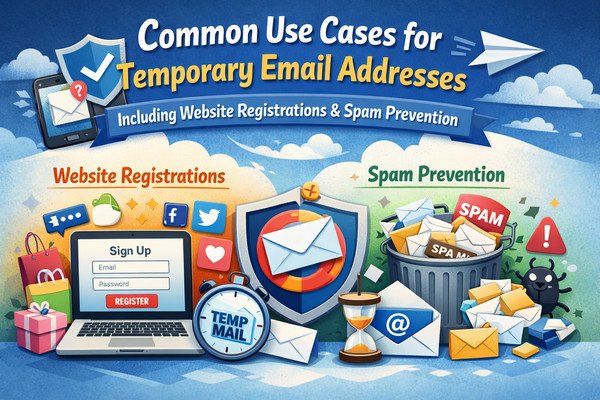
Temporary email addresses are useful for dozens of everyday online activities.
What to Do After Creating Your Temp Mail
1. Copy Your Address
Always copy your new temporary email address immediately after generation. Most services provide a copy button for convenience.
2. Use It Strategically
Paste your temp mail address into the email field of whatever service you're signing up for. Complete the registration or verification process.
3. Check for Incoming Emails
Return to your temp mail inbox to check for verification emails, confirmation links, or any other messages. Most services auto-refresh every few seconds.
4. Save Important Information
If you receive important information (like account details or verification codes), save it elsewhere immediately. Temp mail addresses will expire, and emails will be deleted.
5. Let It Expire or Create a New One
After you've completed your task, you can simply close the tab. The address will automatically expire after its time limit. For new needs, create a fresh address.
Important Warning
Never use temporary email addresses for:
- Banking or financial accounts
- Government services
- Healthcare portals
- Primary social media accounts
- Any account you might need to recover
Frequently Asked Questions
Yes, most temp mail services including TempToMail are completely free. You can create unlimited temporary email addresses without paying anything or providing any personal information.
This varies by service. Free services typically offer 24-hour expiration. Premium services may offer longer retention (7-30 days). TempToMail free addresses last 24 hours, Pro addresses last 7 days.
Yes, most temp mail services support attachments, though there may be size limits. TempToMail free supports up to 5MB attachments, Pro supports up to 25MB.
Some sophisticated websites maintain lists of known disposable email domains and may block them. However, services like TempToMail regularly update their domain lists to maintain access.
Generally no. Temp mail services are designed for receiving emails only. This prevents spam and abuse of the service. You cannot send emails from temporary addresses.
Troubleshooting Common Issues
Issue: Email not appearing in inbox
Solution: Wait a few minutes and refresh. Some services take time to deliver. Check spam filters. Ensure you entered the address correctly.
Issue: Website says "invalid email"
Solution: Some websites validate email domains and block disposable addresses. Try a different temp mail service with a different domain, or use a less common domain option.
Issue: Can't remember which address I used
Solution: If you used a service with address history, check your previous addresses. Otherwise, create a new address and develop a system (like using descriptive addresses) for future use.
Issue: Need emails from expired address
Solution: Unfortunately, expired addresses and their emails are permanently deleted and cannot be recovered. This is why we recommend not using temp mail for important accounts.
Ready to create your temporary email address? Visit TempToMail.com to create your first disposable email address instantly. No registration, no payment, no personal information required.
Conclusion
Creating a temporary email address is one of the simplest yet most powerful tools for protecting your online privacy. With multiple methods available—from instant web-based services to convenient browser extensions and mobile apps—there's a solution for every need and technical comfort level.
The key to effective temp mail usage is developing a consistent strategy: use disposable addresses for one-time interactions and spam-prone registrations, save important information immediately, and never rely on temp mail for accounts you'll need long-term access to.
By following the step-by-step instructions in this guide and implementing the expert tips, you'll be able to create temporary email addresses with confidence, knowing you're protecting your privacy while maintaining convenience in your online activities.